Scheduled AWS Lambda for generating og:image screenshots. Takes a screenshot of a URL on a schedule and uploads it to S3.
pnpm add @rdub/og-lambdaCreate .og-lambda.json in your project:
{
  "stackName": "myproject-og",
  "screenshotUrl": "https://mysite.com",
  "s3Bucket": "my-bucket",
  "s3Key": "og-image.jpg"
}
Then deploy:
og-lambda deploy
og-lambda status
og-lambda config   # Show resolved configuration
Environment variables override config file values.
| Config key | Env var | Default | Description |
|---|---|---|---|
screenshotUrl |
SCREENSHOT_URL |
(required) | URL to screenshot |
s3Bucket |
S3_BUCKET |
(required) | S3 bucket for output |
s3Key |
S3_KEY |
og-image.jpg |
S3 key (path) for output |
stackName |
STACK_NAME |
og-lambda |
CloudFormation stack name |
viewportWidth |
VIEWPORT_WIDTH |
1200 |
Screenshot width |
viewportHeight |
VIEWPORT_HEIGHT |
630 |
Screenshot height |
waitForSelector |
WAIT_FOR_SELECTOR |
- | CSS selector to wait for |
waitForFunction |
WAIT_FOR_FUNCTION |
- | JS expression that must return truthy |
waitForTimeout |
WAIT_FOR_TIMEOUT |
- | Extra ms to wait after load |
quality |
SCREENSHOT_QUALITY |
90 |
JPEG quality (0-100) |
scheduleRateMinutes |
SCHEDULE_RATE_MINUTES |
60 |
How often to run |
timezone |
TIMEZONE |
- | Timezone for page rendering |
CDK-only options (env vars):
| Env var | Default | Description |
|---|---|---|
LAMBDA_MEMORY |
2048 |
Lambda memory in MB |
LAMBDA_TIMEOUT_MINUTES |
2 |
Lambda timeout |
import { takeScreenshot } from '@rdub/og-lambda'

const { buffer, contentType } = await takeScreenshot({
  url: 'https://example.com',
  width: 1200,
  height: 630,
})- EventBridge triggers the Lambda on a schedule (default: hourly)
- Lambda launches headless Chrome via
@sparticuz/chromium - Takes a screenshot of the configured URL
- Uploads the JPEG to S3 with public caching headers
- Your site's
<meta property="og:image">points to the S3 URL
- Node.js 20+
- AWS CDK CLI (
npm install -g aws-cdk) - AWS credentials configured
- S3 bucket with appropriate permissions
EventBridge (hourly) → Lambda → Puppeteer/Chrome → S3 bucket
                                                      ↓
                        Your site ← og:image URL ← Public URL
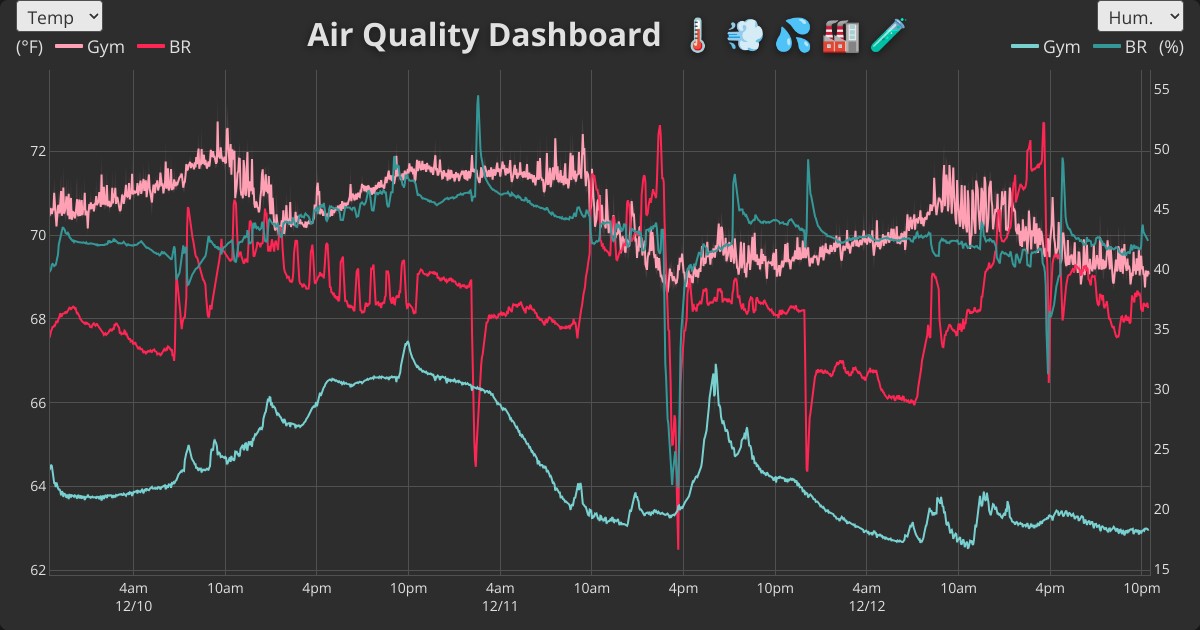
- awair.runsascoded.com – Hourly screenshots of air quality charts with Plotly.js, using
waitForFunctionto wait for chart rendering (config, og:image)
pnpm install
pnpm build        # Compile TypeScript
pnpm package      # Bundle for Lambda
pnpm synth        # Preview CloudFormation
pnpm deploy       # Deploy to AWS