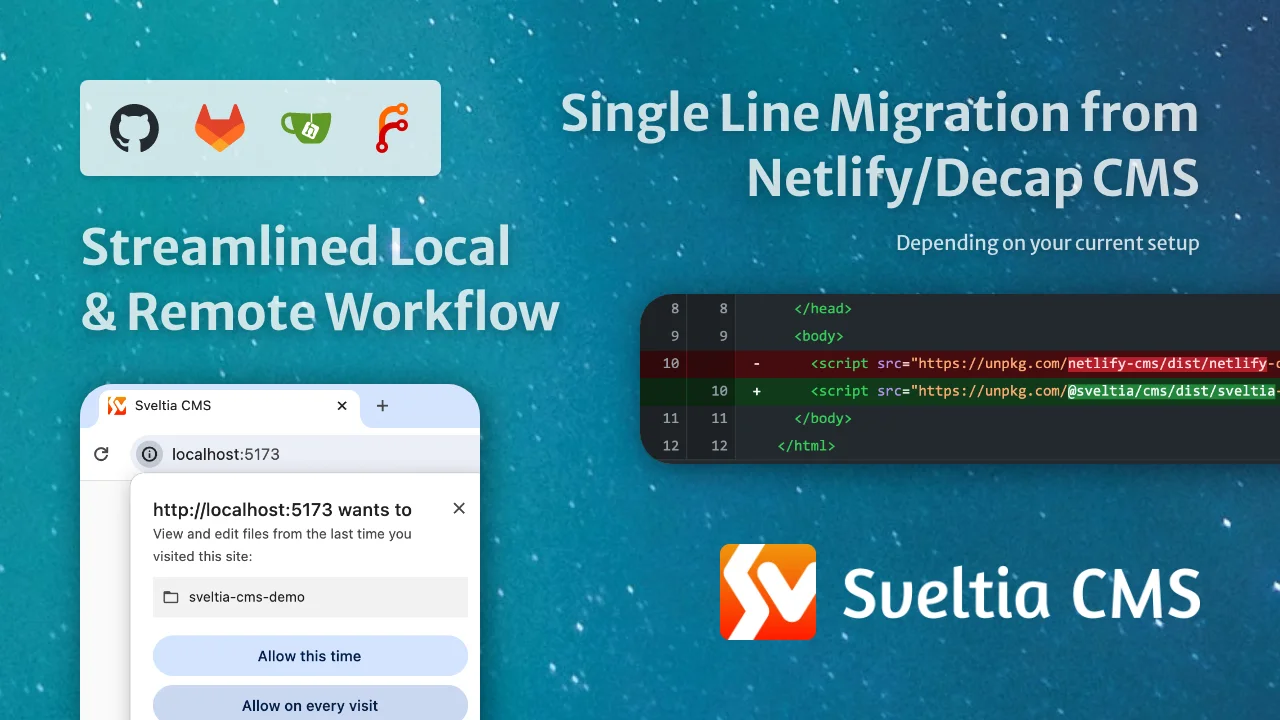
Sveltia CMS is a Git-based lightweight headless CMS under active development as a modern, powerful, direct replacement for Netlify CMS (now Decap CMS). We have picked up where they left off and have already solved over 280 issues reported in the predecessor’s repository, ranging from critical bugs to top feature requests.
Built from the ground up, Sveltia CMS offers excellent UX, DX, performance, security and internationalization (i18n) support. Although some features are still missing, our numerous enhancements across the board ensure smooth daily workflows for content editors and developers alike.
This free, open source successor to Netlify/Decap CMS is currently in public beta, with version 1.0 expected in early 2026. Despite the beta status, it’s already used by hundreds of individuals and organizations worldwide in production. Check out the Showcase page for some examples.
Note
We are in the process of migrating the README content to the new documentation site, which is still a work in progress. Please note that some of the information may be inaccurate or incomplete. Thank you for your patience during this transition.


- Motivation
- Project Status
- Differentiators
- Compatibility
- Getting Started
- Tips & Tricks
- Support & Feedback
- Contributions
- Roadmap
- Related Links
- Privacy
- Disclaimer
- Acknowledgements
See the Successor to Netlify CMS page.
Sveltia CMS is currently in beta, with version 1.0 (GA) scheduled for release in early 2026. Check our release notes and follow us on Bluesky for updates. See also our roadmap.
While we fix reported bugs as quickly as possible, usually within 24 hours, our overall progress may be slower than you think. The thing is, it’s not just a personal project of @kyoshino, but also a complicated system involving various kinds of activities that require considerable effort:
- Ensuring high compatibility with Netlify/Decap CMS
- The vast majority of existing configurations work out of the box
- It works as a drop-in replacement for most use cases
- Some missing features will be implemented before or shortly after GA
- Tackling as many Netlify/Decap CMS issues as possible
- So far, 280+ issues, or 610+ if including duplicates, have been effectively solved in Sveltia CMS (Yes, you read it right)
- Target:
- 300 issues, or 600 if including duplicates, by GA — Almost there! 🚀
- 450 issues, or 900 if including duplicates, in the future 💪
- or every single issue that’s relevant, fixable, and worth dealing with 🔥
- Issues include everything:
- Outstanding issues from feature requests to bug reports
- Issues closed as stale or without an optimal solution
- Discussions
- Stalled pull requests
- Many of the bugs, including the annoying crashes, have already been solved
- The remaining bugs are mostly related to unimplemented features
- Many of their top-voted features are on our table or already implemented in Sveltia CMS
- Solving our own issues
- Preparing top-notch documentation
- Implementing our own enhancement ideas for every part of the product

See the Successor to Netlify CMS page.
See the Migrating from Netlify CMS or Decap CMS page.
See the Migrating from Earlier Versions of Sveltia CMS page.
See the Migrating from Static CMS page.
See the Getting Started page.
See the Migrating from Netlify CMS or Decap CMS page.
See the Configuration Basics page.
See the Configuration Basics page.
See the Configuration Basics page.
See the Configuration Basics page.
See the Troubleshooting page.
See the Local Workflow page.
See the Local Workflow page.
See the Collections page.
See the Collections page.
See the Internal Media Storage page.
See the Entry Collections page.
See the Entry Collections page.
See the Singletons page.
See the User Interface Overview and Content Editor pages.
See the Entry Collections page.
See the Translation Services page.
See the Internationalization page.
See the Internationalization page.
See the Entry Collections page.
See the Media Storage page.
See the Internal Media Storage page.
See the Stock Photos page.
See the How-Tos page.
See the How-Tos page.
See the List Field page.
See the DateTime Field page.
See the How-Tos page.
See the Data Output page.
See the Data Output page.
See the Deployments page.
See the Security page.
See the Updates page.
See the Support and Feedback pages.
See Contributing to Sveltia CMS. Bug reports are highly encouraged.
See the Roadmap page.
- Introducing Sveltia CMS: a short technical presentation by @kyoshino during the This Week in Svelte online meetup on March 31, 2023 — recording & slides
- LogRocket Blog – 9 best Git-based CMS platforms for your next project
- Jamstack – Headless CMS
- Hugo – Front-end interfaces
- Made with Svelte
See the Privacy page.
This software is provided “as is” without any express or implied warranty. We are not obligated to provide any support for the application. This product is not affiliated with or endorsed by Netlify, Decap CMS or any other integrated services. All product names, logos, and brands are the property of their respective owners.
This project would not have been possible without the open source Netlify CMS project. We are grateful to the maintainers for their hard work over the years. We would also like to thank the Sveltia CMS user community for their valuable feedback and ongoing support, which has helped us to identify issues and improve the product.