


Get a flame graph of the current request, right in Django.


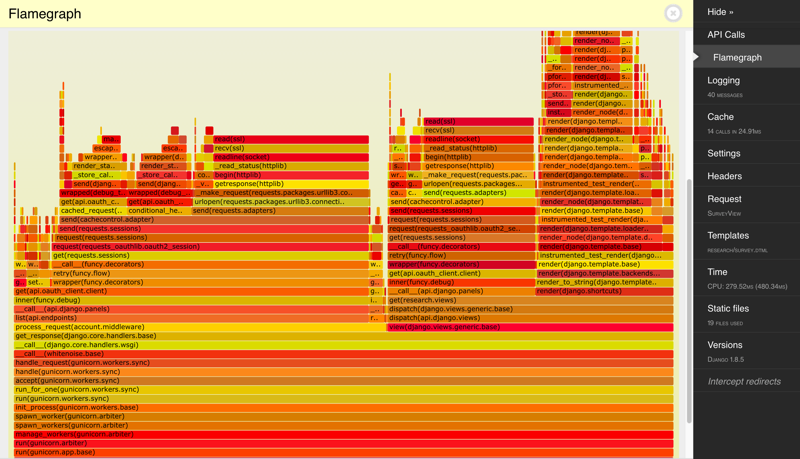
- Uses https://github.com/brendangregg/FlameGraph to generate a flamegraph right in the debug panel.
- Add
djdt_flamegraphto yourrequirements.txt. - Add
djdt_flamegraph.FlamegraphPaneltoDEBUG_TOOLBAR_PANELS. - Run your server with
python manage.py runserver --nothreading --noreload
ValueError at /: signal only works in main thread: Flame graphs can only be generated in a single threaded server.- Flame graphs are disabled by default. You'll have to enable it by clicking the checkbox next to it in the Debug Toolbar.
- Probably won't work on Windows.
This panel comes with an example Django app to test with. Just run make example and the server should start running.