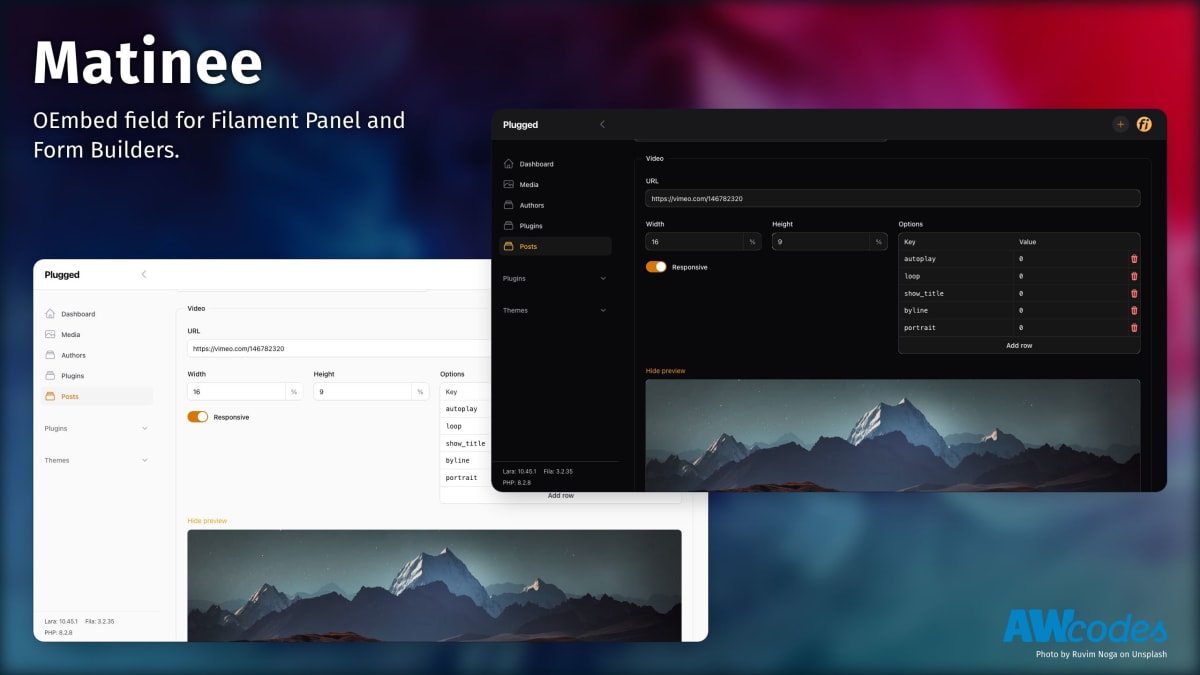


OEmbed and Video field for Filament Panel and Form Builders
| Package Version | Filament Version |
|---|---|
| 1.x | 3.x |
| 2.x | 4.x |
You can install the package via composer:
composer require awcodes/matineeImportant
If you have not set up a custom theme and are using Filament Panels follow the instructions in the Filament Docs first.
After setting up a custom theme add the plugin's views to your theme css file or your app's css file if using the standalone packages.
@source '../../../../vendor/awcodes/matinee/resources/**/*.blade.php';Matinée stores its content as JSON data in a single column on your model. So, it is vital that you cast the column to an array or json object in your model.
protected $casts = [
    'video' => 'array', // or 'json'
];use Awcodes\Matinee\Matinee;
Matinee::make('video')use Awcodes\Matinee\Matinee;
Matinee::make('video')
->showPreview()Matinée comes with a Provider for YouTube and Vimeo, but you can add your own by creating a class and passing it into the providers modifier on the field.
use Awcodes\Matinee\Providers\Concerns\IsMatineeProvider;
use Awcodes\Matinee\Providers\Contracts\MatineeProvider;
class CustomProvider implements MatineeProvider
{
use IsMatineeProvider;
public function getId(): ?string
{
return 'custom';
}
public function getDomains(): array
{
return [
'custom.com',
];
}
public function getOptions(): array
{
return [
'controls' => 1,
'title' => 0,
];
}
public function convertUrl(?array $options = []): string
{
return 'https://www.custom.com/embed/' . $this->getId() . '?' . http_build_query($options);
}
}Then you can use it by passing it into the providers modifier on the field instance or globally in the register method of a service provider with the configureUsing() method.
use Awcodes\Matinee\Matinee;

Matinee::make('video')
->providers([CustomProvider::class])You are free to render the video in any way you see fit, but Matinée comes with a blade component you can use for convenience.
<x-matinee::embed :data="$data" />The stored data will take the following shape:
{
    "width": "16",
    "height": "9",
    "responsive": true,
    "url": "https:\/\/www.youtube.com\/watch?v=N9qZFD1NkhI",
    "embed_url": "https:\/\/www.youtube.com\/embed\/N9qZFD1NkhI?controls=1&start=0",
    "options": {
        "controls": "1",
        "nocookie": "0",
        "start": "00:00:00"
    }
}composer testPlease see CONTRIBUTING for details.
Please review our security policy on how to report security vulnerabilities.
The MIT License (MIT). Please see License File for more information.