Automated adoption flow #134

Description

As discussed in Slack we have 2 options. Easy, checking the IP of connected user and probe, but only on modal open. And more complex but with better UX. Here are the product requirements for the port based adoption flow.
- When a HW probe boots, for 1 hour open a read-only http port to allow LAN presence verification
- In the open dash, in the background, check once per minute for a LAN probe presence.
- With the adoption modal open check every 5 seconds
- If a probe was detected via passive 1 minute check, then show a popup to the user with the probe's information and button to confirm adoption
- In adoption modal in the HW probe flow lets rename step 3 to "Finding probe". By default show a nice looking loader, maybe a radar animation, the nicer the better as we want the user to stay there as long as possible. Say something like "Waiting for your probe to boot. If it's in the same network it will automatically appear here. We recommend waiting for 1-2 minutes for the probe to boot for an automated adoption process". Block the next button for 5 seconds.
- If the probe is found then move to last step
- If probe is not found and user clicks next after 5s then show the "Send adoption code" page.
- If the user is on the "adoption code" page and the probe comes online, then skip the page and jump to the last page.
General changes:
- On the "Send adoption code" page always show the user's public IP address. Dont force them to google for a service to learn their public IP.
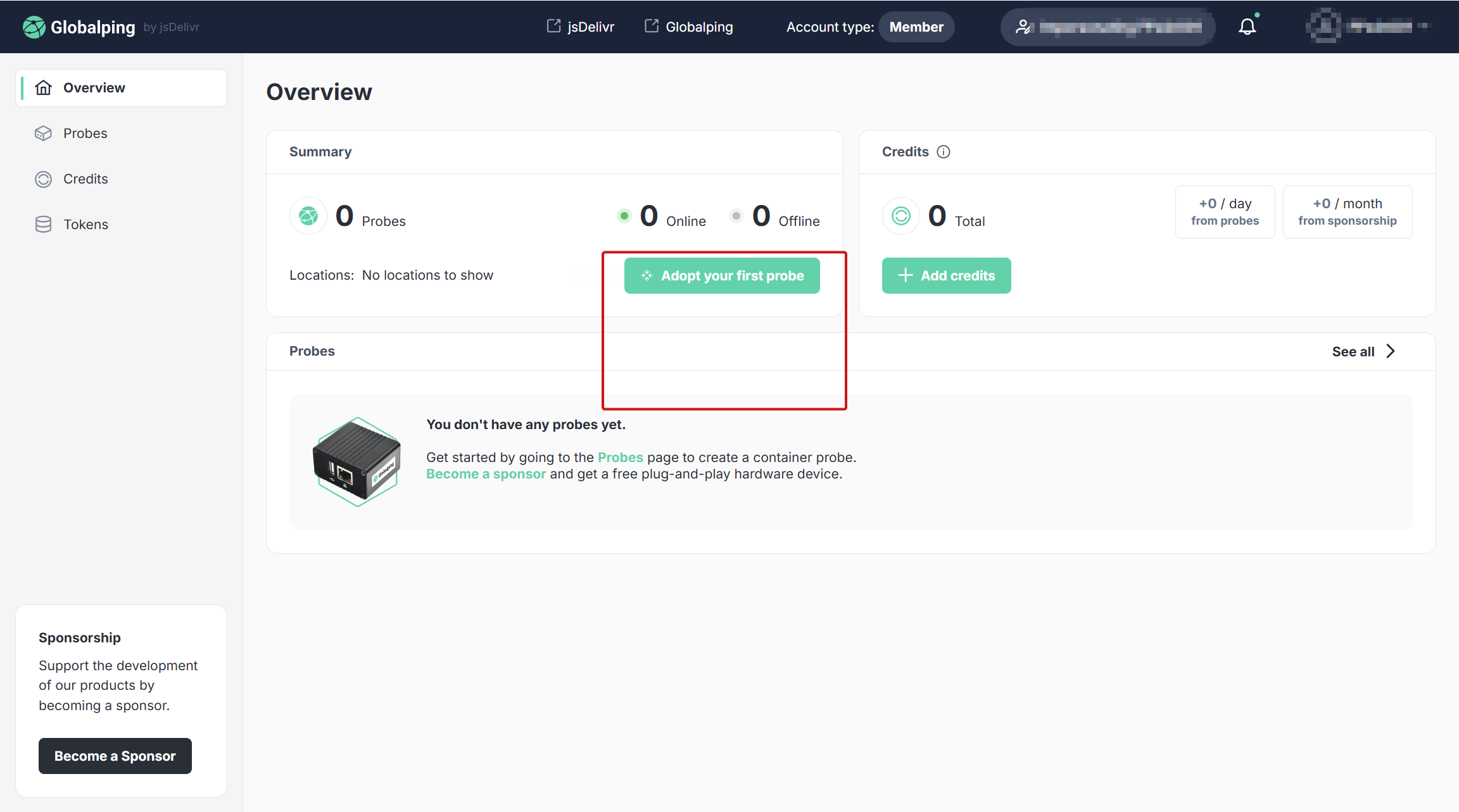
- On this page https://share.perfstack.net/2025/09/chrome_2025-09-27_14-26-59.png with empty state how about we show a large tooltip attracting attention to the button saying "Start here if you received a hardware probe!"